
Imagine that a fifth-grade student in your district suddenly starts failing math and missing assignments. In a district relying on scattered spreadsheets and physical folders, it could take weeks for educators to piece together that this isn't just an academic issue, and that other factors are at play. By the time a support plan is finally put together, the student may already feel disconnected, frustrated, and further behind.
When student data is fragmented, students ultimately pay the price. Without a unified way to track academic, behavioral, attendance, and student voice information and trends, educators risk missing critical early warning signs. The result? Students are either left waiting too long for help or receive interventions that don't address the root cause of their struggles.
That is exactly where modern software comes in. By organizing data into one clear, connected view, response to intervention (RTI) tools ensure that every student gets the exact support they need, right when they need it. In this guide, we will explore what RTI tools are, how they help your district proactively support the whole child, and the top platform options to manage your tiered supports at scale.

Frequently Asked Questions About RTI Tools
What are RTI tools?
Response to intervention (RTI) tools are software solutions designed to help K-12 educators identify struggling students early, create targeted academic support plans, and track whether those support systems are actually working over time. In a traditional classroom setup, tracking student progress might rely on notes, mental check-ins, or spreadsheets scattered across different systems. An RTI tool replaces that fragmented process with a single, organized hub for student growth.
What are the benefits of RTI tools?
When a district relies on manual processes or scattered software to track interventions, the burden of identifying students who need an intervention, and tracking progress through the intervention, may fall entirely on classroom teachers. RTI tools are designed to lift that administrative weight so educators can focus on what they do best: teaching. Bringing a dedicated RTI tool into your district allows you to:
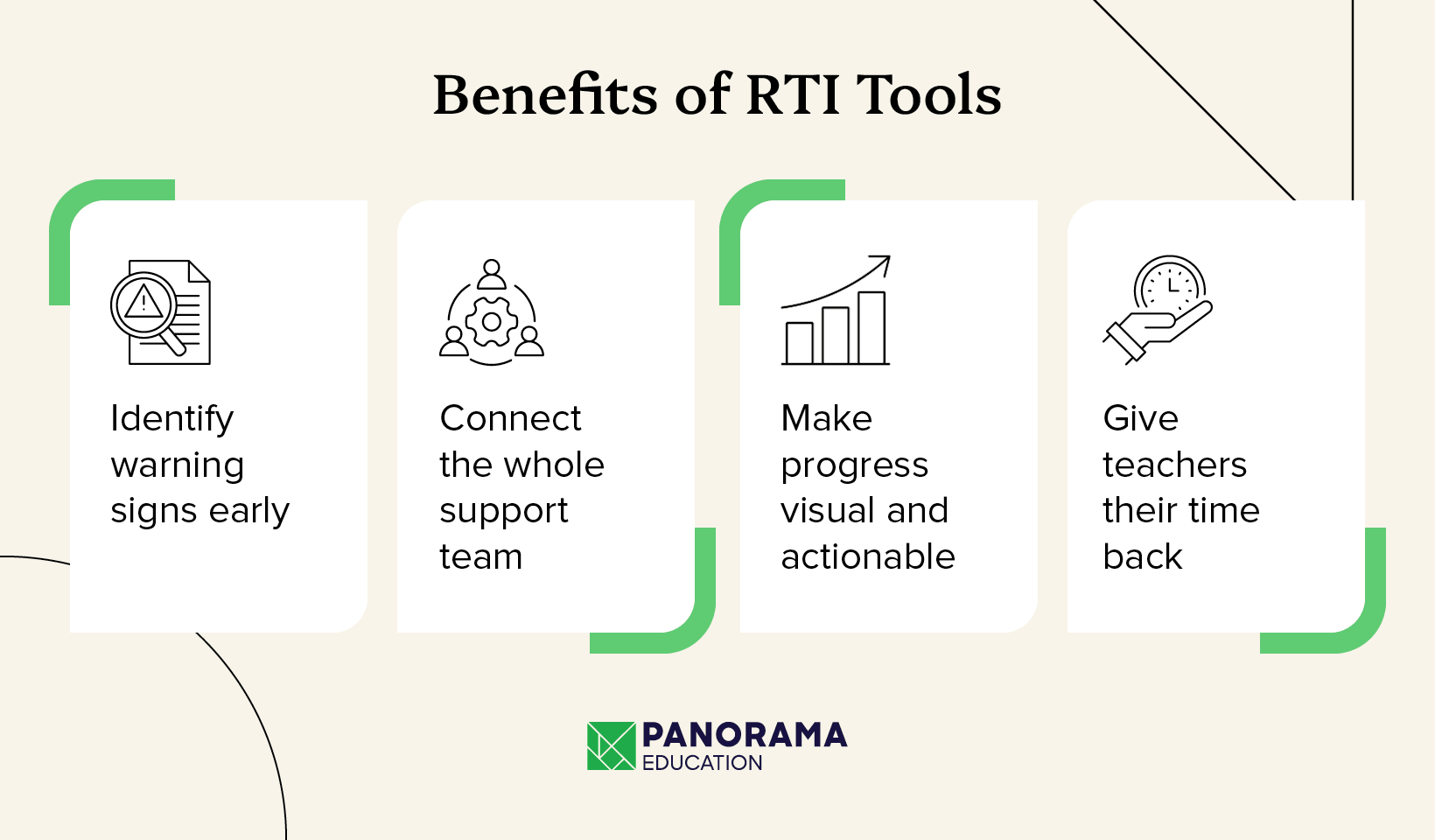
- Identify warning signs early. You shouldn't wait for a student to perform poorly on an assessment to realize they need help. A strong RTI tool flags early warning signs across academics, attendance, and behavior, allowing your team to intervene proactively.
- Connect the whole support team. RTI platforms create a single, secure hub where teachers, reading specialists, counselors, and administrators can collaborate and see exactly what supports a student is already receiving.
- Make progress visual and actionable. It can be frustrating to pour time into an intervention without knowing if it’s working. RTI platforms can create graphs of progress-monitoring data, facilitating better data-driven analysis and decision-making during team meetings.
- Give teachers their time back. By reducing the need to double-enter data into spreadsheets or track information across systems, RTI tools free up educators' valuable time to implement interventions and work directly with students.
What is the difference between an RTI tool and an MTSS platform?
While often used interchangeably, RTI and MTSS have clear differences, and so do the corresponding tools used to manage them:
- RTI is the academic component. Traditionally, RTI focuses on reading and math scores and ensuring students are progressing toward grade-level standards.
- MTSS encompasses the whole child. A Multi-Tiered System of Supports (MTSS) takes a much broader view. It unites RTI with Positive Behavior Interventions & Supports (PBIS), attendance tracking, school climate feedback, and other key indicators to help educators identify targeted supports for each student.
However, some providers like Panorama Education offer tools for both RTI and MTSS. That way, you can track academic interventions and get a holistic view of each student so you can implement different types of interventions accordingly.
What are the key features of an effective RTI tool?
The features you should look for in an effective RTI tool include:
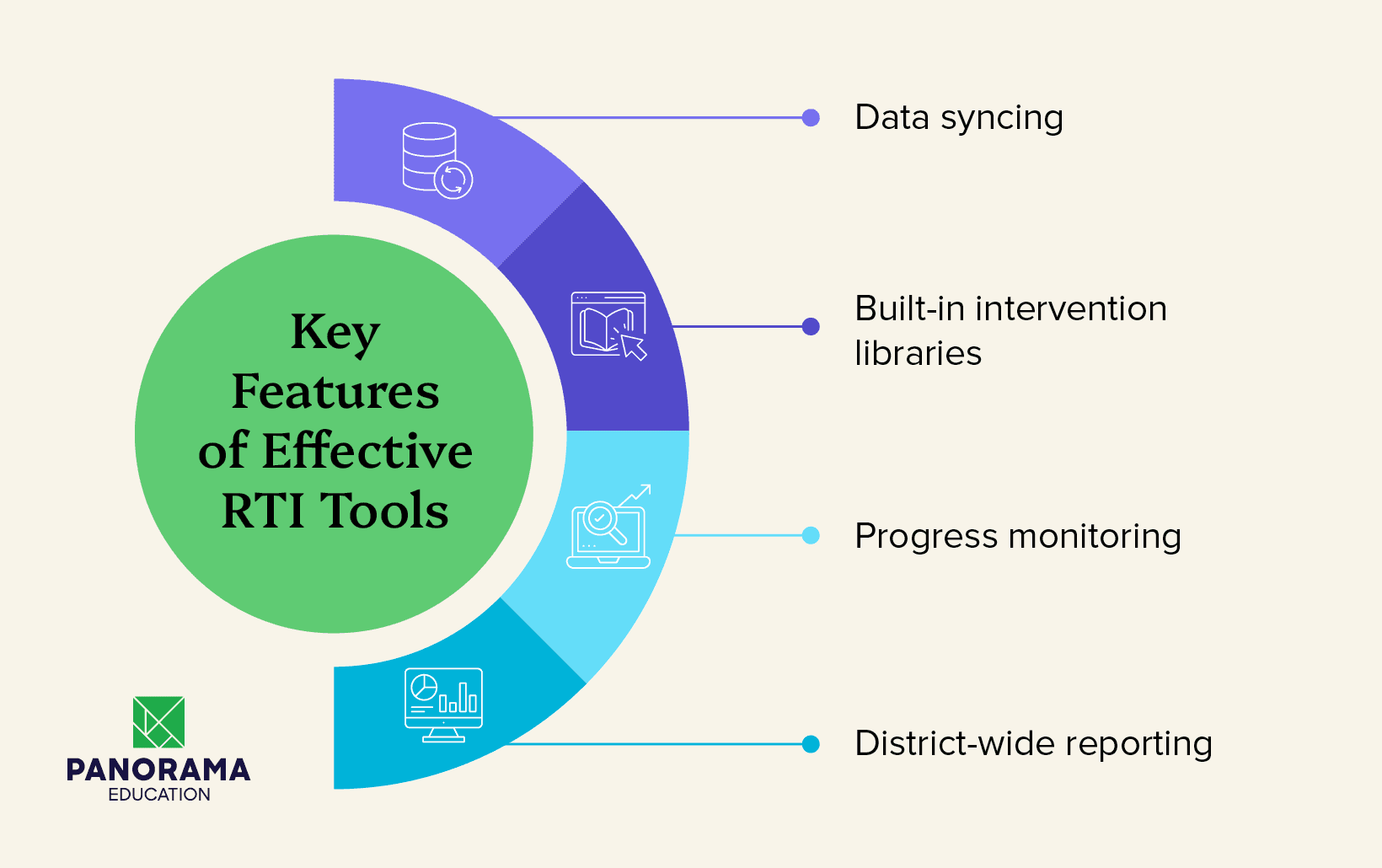
- Data syncing. The best tools pull data directly from your student information system (SIS).
- Built-in intervention libraries. Educators should have immediate access to evidence-based strategies so they don't have to invent Tier 2 or Tier 3 support plans from scratch.
- Progress monitoring. Your RTI software should help you understand what supports are working, and which need adjusting. That way, you can scale successful supports and replace those that aren’t working as well.
- District-wide reporting. Managing interventions school by school often creates a disconnected approach. A strong RTI tool gives leadership a district-wide view to understand which schools need additional resources and helps streamline supports by creating a standardized menu of interventions.
Top 5 RTI Tools for Your District
1. Panorama Education
Panorama Education is a K-12 platform that brings academic, attendance, behavior, and student voice data together so educators can truly see the whole child. Panorama’s RTI tools help districts support students at every tier and improve student outcomes across schools.
Top features
- Secure automated data syncing. Panorama provides a holistic view of each student by storing academic, attendance, behavior, and student voice data in one place. Our solution integrates with your student information system (SIS), learning management system, behavior system, state assessments, and benchmark and universal assessments to ensure all information is accurate and up to date.
- Progress monitoring tools. With Panorama, you can easily track Tier 2 and 3 supports. See which interventions are actually working, and which aren’t, so you can make adjustments as needed. Additionally, fulfill special education documentation requirements with this information at your fingertips.
- Data dashboards. Get a district-wide view of student outcomes across attendance, academics, behavior, and life skills. Panorama’s dashboards help you better understand which schools need additional resources and streamline supports across schools.
- Intervention library. If you need help matching students with the right interventions, look no further than Panorama Playbook. Our professional learning library of over 1,000 high-quality instructional resources and evidence-based interventions across academics, behavior, and well-being helps educators get students the support they need right when they need it.
- AI infrastructure. Across Panorama’s tools, Panorama Solara helps educators act with confidence. From identifying struggling students to suggesting interventions based on a student’s data and goals to helping draft individualized education programs (IEPs), Panorama’s secure AI tools protect student information, work within your district’s priorities, and help you deliver better student outcomes.
What this provider does best
Panorama helps districts move past the perpetual data hunt. By connecting the dots between how a student experiences school and how they are performing, Panorama enables educators to identify root causes and proactively match students with the right supports, rather than just treating surface-level symptoms.
2. Frontline Education
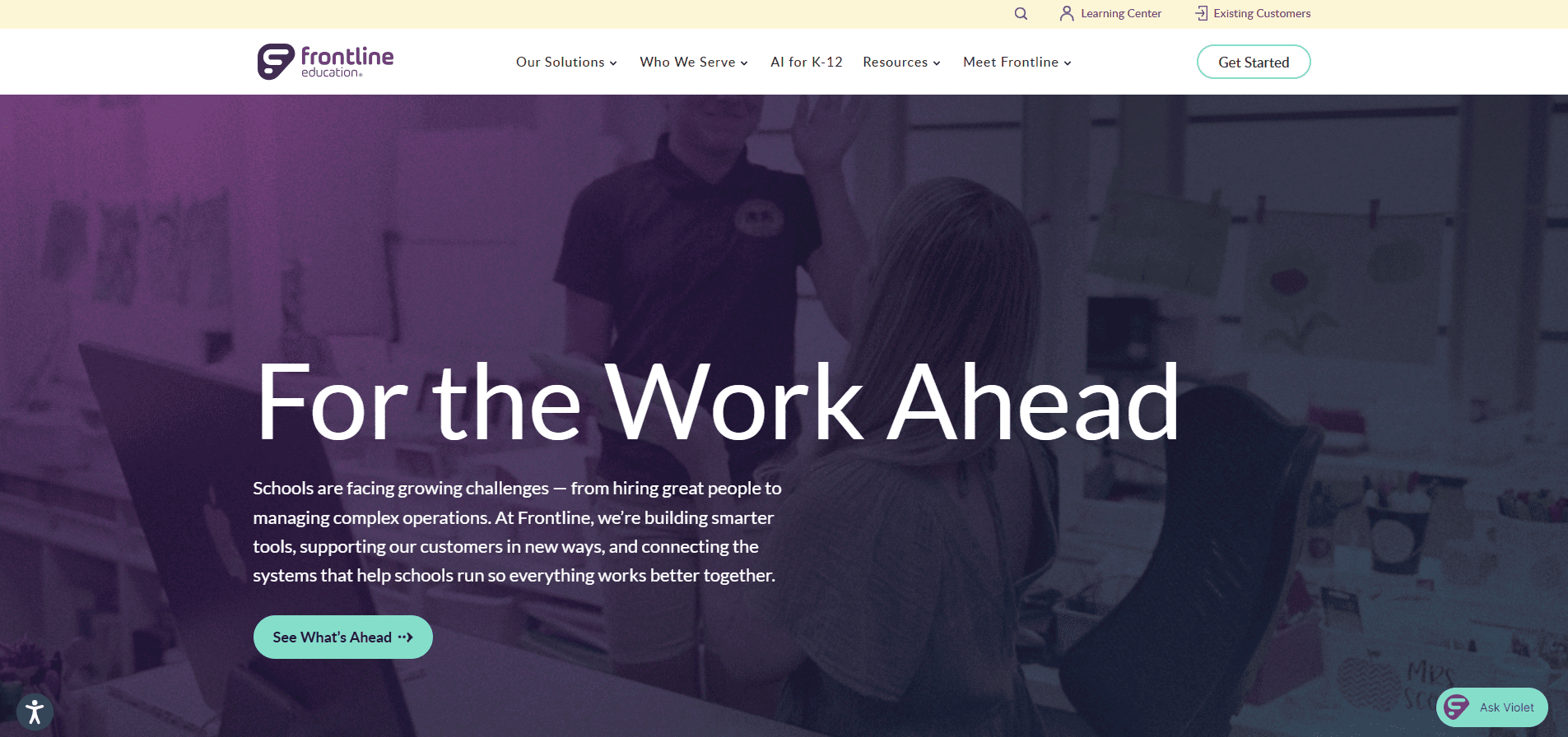
Frontline Education offers a large suite of school administration software, including dedicated modules for managing special programs, RTI, and MTSS. The platform focuses heavily on managing the administrative processes required to coordinate student support across different departments.
Top features
- Compliance tracking. Frontline provides robust tools to monitor individualized IEPs and 504 plans, ensuring that all interventions meet state and federal regulatory requirements.
- Centralized student histories. The software maintains highly detailed, centralized records of a student's past interventions and special programs, which streamlines the process for formal audits.
- Administrative workflows. Frontline automates complex paperwork and administrative tasks, helping coordinate the logistical steps required to move a student between different tiers of support.
What this provider does best
Frontline excels at bridging the gap between general education interventions and formal special education referrals. It ensures that all student support plans and processes are legally compliant, thoroughly documented, and easy for district leaders to track and audit.
3. Educational Vistas
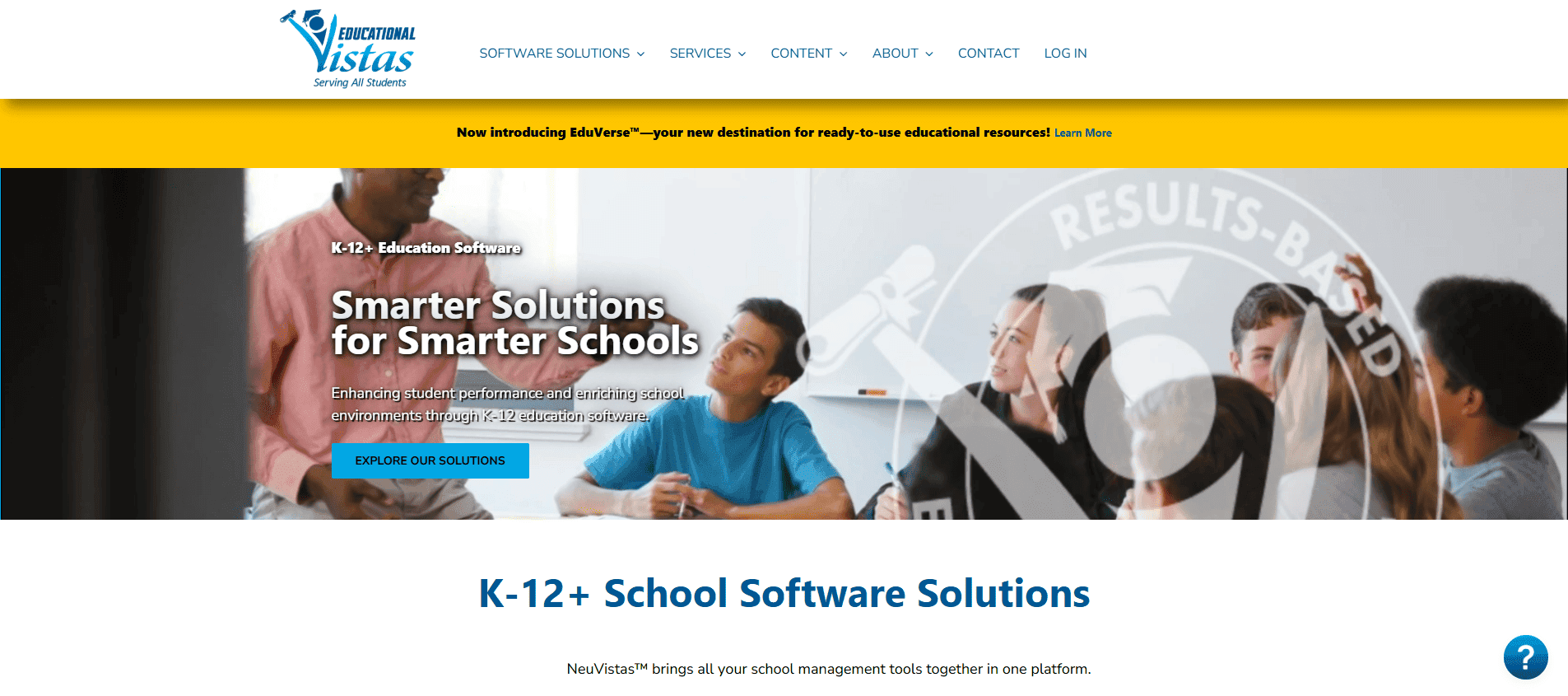
Educational Vistas provides integrated K-12 software solutions, including their Academic Intervention Management System (AIMS), which is specifically designed to manage and monitor RTI and Academic Intervention Services (AIS).
Top features
- Customizable eligibility criteria. The AIMS platform allows districts to set their own parameters for determining RTI eligibility, required intensity levels, and specific intervention strategies.
- Automated parent communications. The system features a one-button process for generating required parental communications, such as notification letters and quarterly progress reports, which can be translated into multiple languages.
- Longitudinal student records. AIMS creates and archives a central student intervention record that follows the student across their entire educational career.
- SIS integration and assessment imports. The software connects to existing student information systems and imports state or local assessment data to build individual performance profiles.
What this provider does best
Educational Vistas excels at regulatory compliance and administrative tracking. Their AIMS platform is highly focused on helping schools efficiently manage the documentation, historical archiving, and reporting requirements associated with formal state intervention regulations.
4. Mote
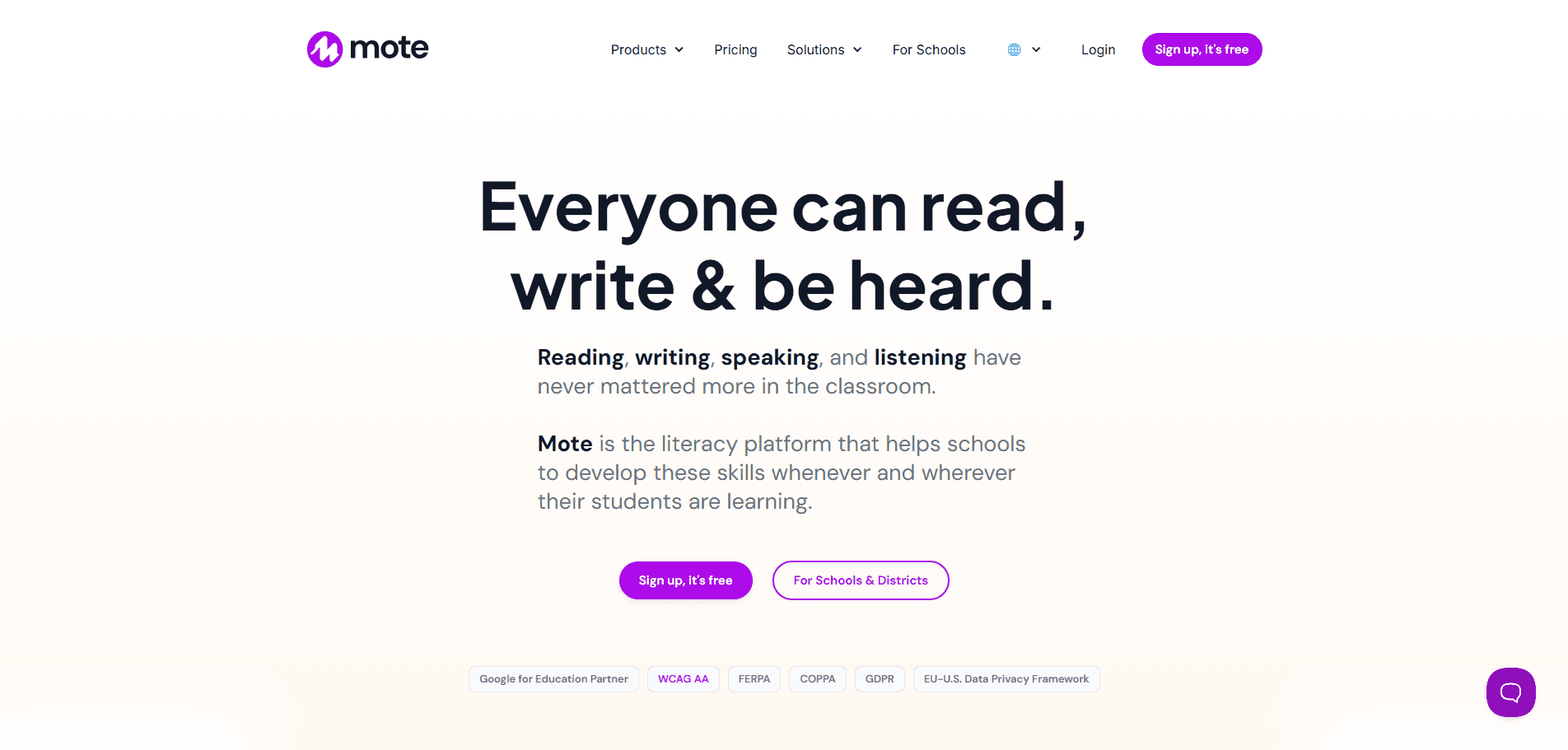
Mote is an efficient, highly accessible voice-note and accessibility tool that integrates seamlessly into Google Workspace for Education. Rather than serving as a backend administrative dashboard, it functions as an active intervention delivery tool for the classroom.
Top features
- Audio feedback and voice recording. Teachers can record and embed voice notes directly into Google Classroom, Docs, and Slides, providing immediate auditory feedback and instruction.
- Read-aloud and dictation accommodations. The platform offers text-to-speech and speech-to-text capabilities, giving students built-in accessibility supports for reading and writing assignments.
- Inline translation. Mote provides instant translation for both text and speech in over 50 languages, helping break down language barriers for English language learners.
- Native Google Workspace integration. The tool operates naturally within the apps teachers and students already use daily, meaning there is no separate platform to log into for day-to-day accommodations.
What this provider does best
Mote delivers immediate Tier 1 and Tier 2 instructional accommodations. It gives educators a practical, everyday tool to provide read-aloud supports, accessible feedback, and translation services directly to students within the flow of their standard coursework.
5. Kami
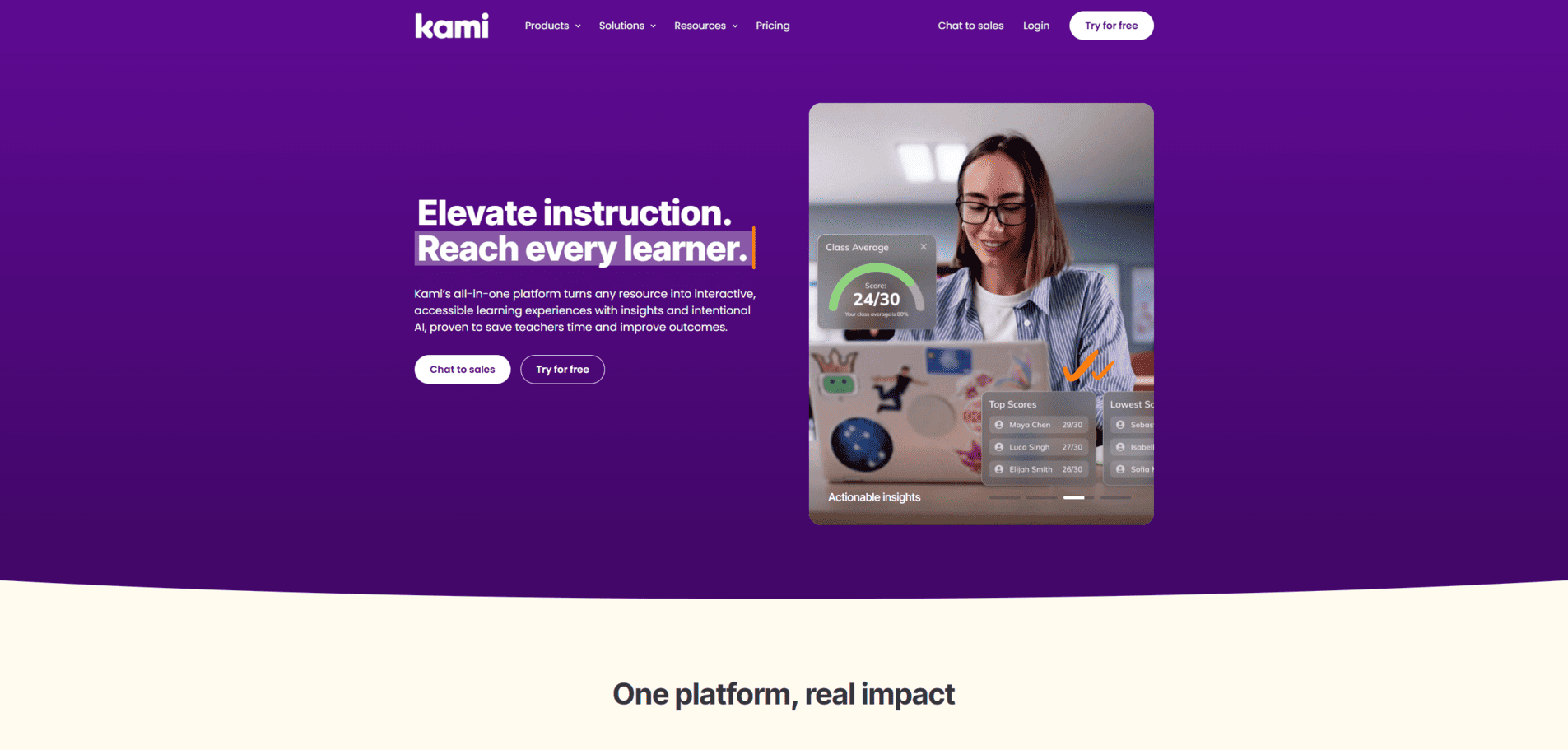
Kami is an interactive digital classroom app that transforms existing PDFs and documents into engaging, accessible learning experiences. It serves as a frontline tool for delivering accommodations and differentiated instruction.
Top features
- Built-in accessibility tools. The platform includes text-to-speech, speech-to-text, and a digital dictionary to support struggling readers and English language learners directly within their assignments.
- Multimedia feedback. Educators can leave voice, video, or screen-capture comments to provide personalized, tiered instructional support without altering the original document.
- Interactive annotation. Students and teachers can draw, highlight, type, and mark up documents, allowing for flexible, alternative ways for students to demonstrate their understanding.
- LMS integration. Kami works seamlessly with learning management systems like Google Classroom, Canvas, and D2L Brightspace, ensuring students don't have to navigate to a separate platform to access their daily accommodations.
What this provider does best
Kami excels at bringing Tier 1 and Tier 2 accommodations to life on the digital page. It gives educators a practical way to scaffold standard assignments, provide immediate multimodal feedback, and make the curriculum accessible to students who need targeted reading or writing interventions. Because it is strictly a document markup and accessibility tool, it pairs perfectly with a centralized MTSS platform used for broader progress monitoring.
Additional RTI Tools Resources
Response to intervention (RTI) tools play a key role in modern K-12 education by centralizing data, streamlining intervention workflows, and simplifying progress monitoring. Rather than reacting to end-of-term grades or end-of-year assessment scores, effective RTI software empowers educators to identify struggling students early, deliver targeted supports across all tiers, and continuously evaluate what is actually working and what’s not.
While each platform brings unique strengths, Panorama Education offers the most complete, whole-child solution for K-12 districts. By pairing academic, attendance, and behavioral data with student voice, Panorama helps teams look beyond surface-level symptoms, target root causes, and implement evidence-based strategies seamlessly.
Ready to see how Panorama can help your school or district improve student outcomes at every tier? Request a live demo today.
If you’d like more information about how to build stronger RTI strategies, explore the following resources:
- How to Write an Intervention Plan [+ Template]. Learn how to create clear, measurable, and effective support plans tailored to individual student needs.
- 3 Shareable Resources to Unify MTSS/RTI Across Your District. Download customizable tools designed to help district and building leaders streamline multi-tiered workflows.
- Small-Group Interventions for Reading, Math, and Behavior (+ Intervention Planning Forms). Organize and standardize your Tier 2 small-group strategies across schools using these planning templates.